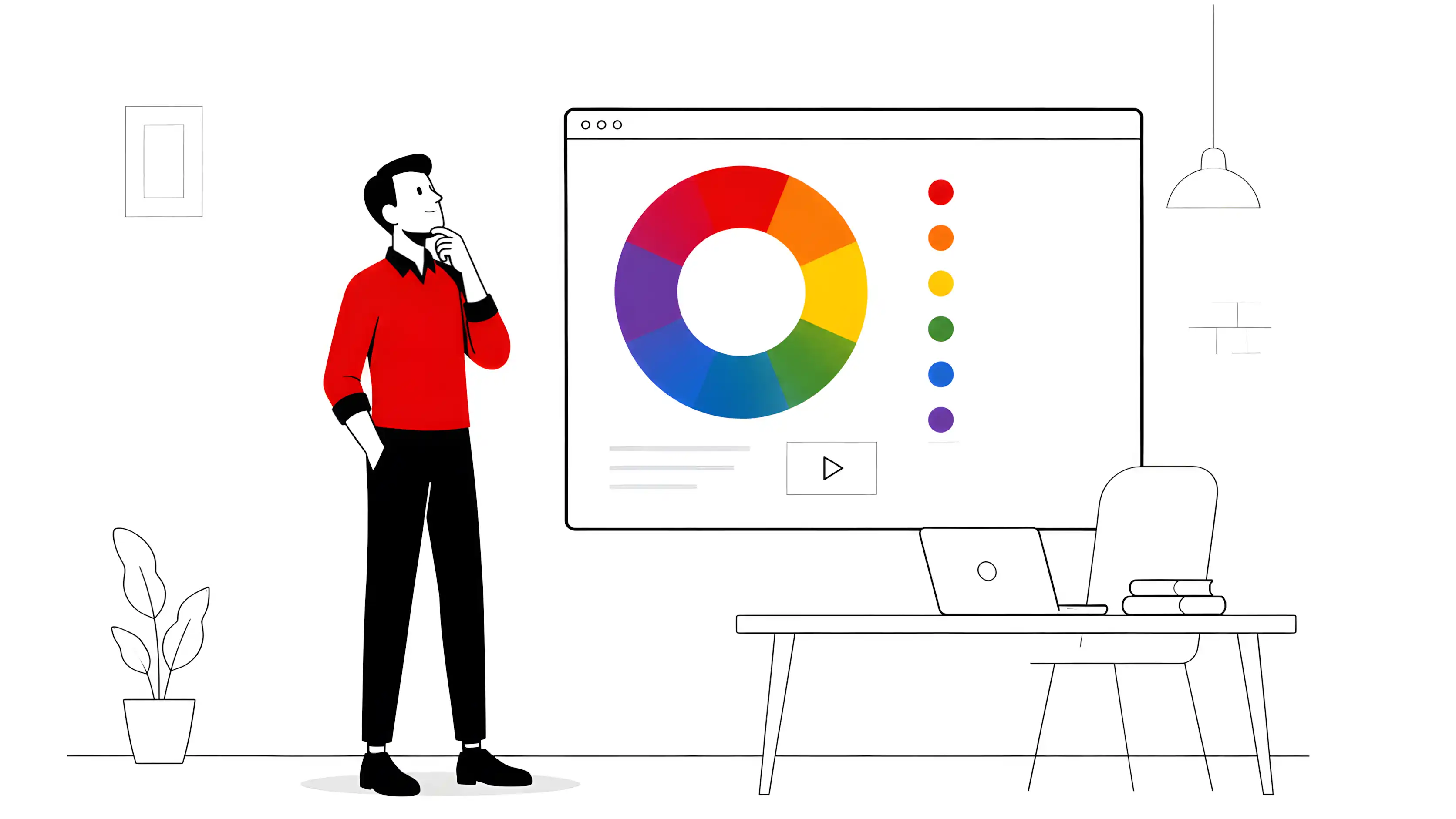
When you watch a corporate video and feel trust before reading a single word, or open an explainer and already perceive it’s about health before any narration — the color palette has already done its job. In motion graphics, color is not decoration: it’s communication.
After years of producing animation and video with free tools, I’ve learned that mastering color psychology is just as essential as mastering animation timing.
Why Colors Work This Way
Colors activate cultural and emotional associations before rational processing. This is what semiotics calls firstness: the immediate sensation, before interpretation. In a video, this window lasts fractions of a second — and the palette is already working within it.
This has a direct implication for motion graphics: the background color of an animated text, the tone of a character, the gradient of a transition — all of it communicates before the narration kicks in.
The Table Every Motion Designer Should Have in Mind
| Color | What it communicates | Watch out for |
|---|---|---|
| Red | Energy, urgency, passion | Can feel aggressive if overused |
| Orange | Vitality, joy, youth | Excess can feel informal |
| Yellow | Optimism, light, warmth | Can cause anxiety on backgrounds |
| Green | Health, nature, hope | Wrong green suggests inexperience |
| Blue | Trust, professionalism, calm | Too much cools down the tone excessively |
| Purple | Creativity, luxury, spirituality | May seem eccentric out of context |
| Black | Elegance, power, sophistication | Excess suggests mourning or oppression |
| White | Purity, simplicity, cleanliness | Can feel empty or cold |
| Gray | Neutrality, balance | Monotonous if used without contrast |
These associations are not fixed — they vary by culture and context. But they are solid starting points for any brief.
Practical Application in Motion Graphics
1. Read the brief with your eyes, not just your ears
Before choosing any color, ask: what feeling does the client want to provoke in the first 3 seconds? A fintech wants trust → structural blue with green accents. A children’s food brand wants joy → orange and yellow with organic shapes.
2. Main palette, support palette, action color
In motion, always work with three levels:
- Main color: dominates backgrounds and large areas
- Support color: for secondary elements, text, alternate backgrounds
- Action color: used for highlights — animated CTAs, text reveals, moving icons
This hierarchy prevents the chromatic chaos that happens when everything competes for attention at once.
3. Consistency over time
Unlike static design, in motion the color needs to be consistent over time. A transition that drastically changes the palette without intention breaks identity. If you must change it, let it be a narrative change (e.g., problem → solution → result sequence).
4. Test in black and white first
A simple trick: export a representative frame in grayscale. If the visual hierarchy still works without color, the composition is solid. If everything turns into a uniform gray smudge, the contrast isn’t working — and no palette will fix that.
Free Tools for Working with Color in Motion
My current workflow for defining palettes before moving into Blender or Kdenlive:
- Inkscape — for assembling color storyboards and testing combinations in vectors before animating
- GIMP — extracting palettes from the client’s visual references
- Krita — free exploration of chromatic combinations in painted storyboards
- Coolors (web) — quick generation of harmonic palettes to validate with the client
Color as a Strategic Decision
In the end, choosing a palette for a motion project is not an aesthetic decision — it’s a communication decision. It needs to align with the brand’s visual identity, the target audience, and the video’s objective.
When these three elements converge in a well-executed palette, the animation doesn’t need to convince anyone: it already communicates before it even starts.
I produce motion graphics, animation, and corporate video using 100% free and open-source tools. If you have a project, contact me.
— Ricardo A. B. Graça · ricolandia.com