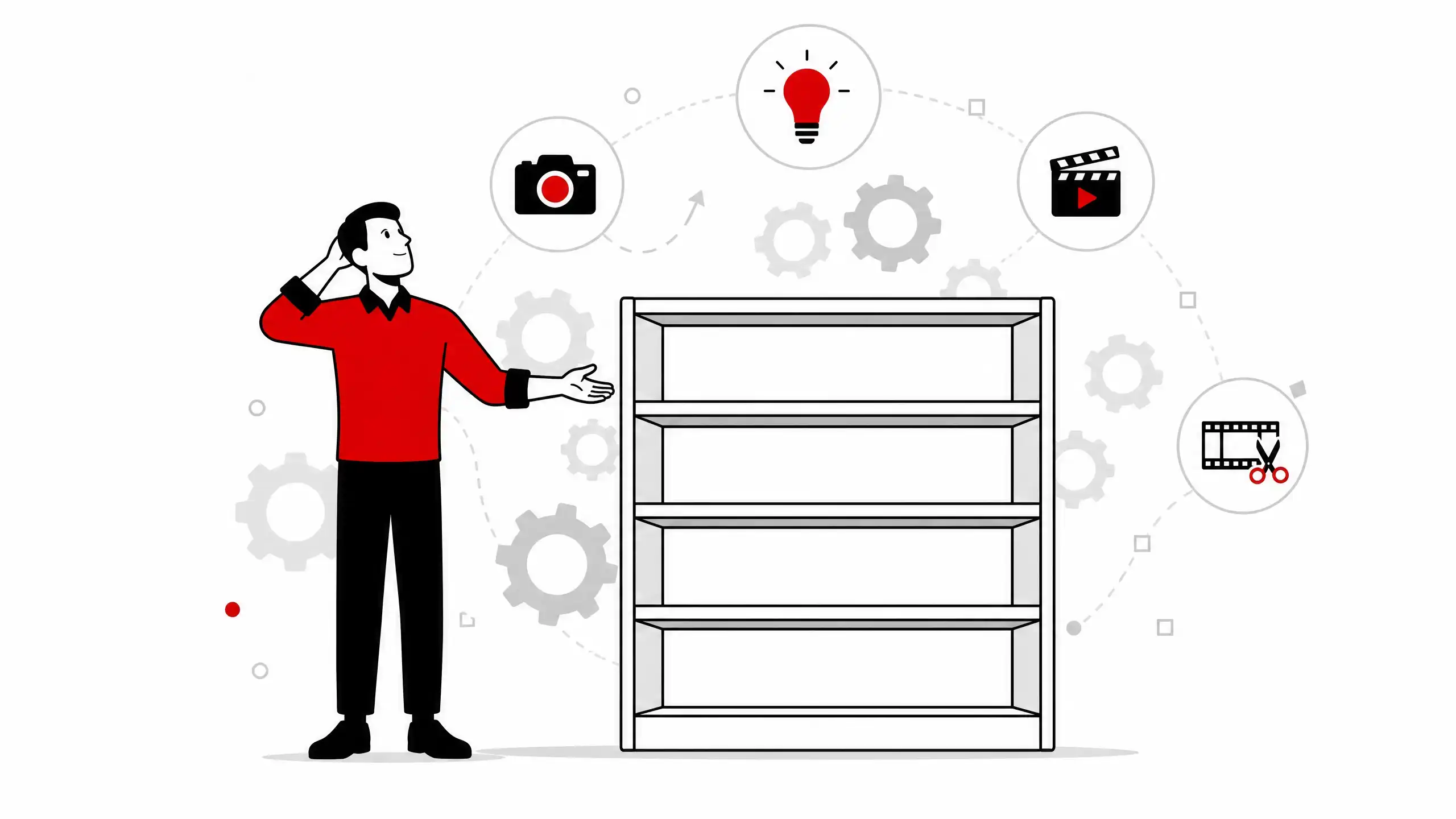
“How much does a video cost?” It’s the first question almost every client asks. And it’s the hardest to answer without context — not because video professionals like to be evasive, but because the question assumes video is a shelf product with a fixed price tag. It isn’t.
The price of a video isn’t defined by what appears on screen. It’s defined by the process that got it there.
If what you’re after is the corporate/institutional format, the complete guide is in corporate video production.
Why prices vary so much
Getting three different quotes from three different producers and receiving three completely different numbers isn’t a sign someone is trying to trick you. It’s expected market behavior. A two-minute corporate video can cost anywhere from $2,000 to $60,000 — and both prices can be fair, depending on the actual project scope.
What determines the price is the set of production decisions, not the duration of the final piece.
Internationally, industry surveys (Colossyan, with Clutch data) place the cost range per finished minute for professional corporate video between $1,000 and $10,000, depending on crew, equipment, locations and post-production complexity. 2D or 3D animation projects usually sit at the higher end of that range, or beyond it, because there’s no economy of scale in recording: every second of animation is built from scratch. For the price ranges of each animation type, there is a dedicated post: How much does animation cost.
The four factors that make up the cost
Over more than twenty years producing corporate video and animation, I can say that nearly every price variation between comparable projects comes down to four factors.
Duration. More minutes usually mean more production and more post-production. But the relationship isn’t linear: a 1-minute video that needs to condense a complex message can be more expensive to script and edit than a 3-minute video with a straightforward structure. The cost is in the work, not the timer.
Format. A corporate video with interviews and voiceover has a completely different cost structure from a 2D or 3D animation. In live-action video, costs concentrate on production days and editing. In animation, production is spread across weeks of creative work: storyboard, character design, frame-by-frame animation or rigging, scene composition. Hybrid formats — live action with motion graphics, for example — accumulate costs from both worlds.
Team. A solo professional has a leaner cost structure but limited production capacity. A team with a producer, director, videographer, editor, motion designer and voiceover artist delivers faster with specialized roles, but the total cost reflects that investment. There’s no right or wrong setup: there’s the setup that fits the project scope.
Complexity. Multiple locations, actors, special equipment, visual effects, subtitles in other languages. Each layer of complexity adds days to the schedule and dollars to the budget. A simple video shot in an office with a single camera and clean editing is structurally different from a video with exterior locations, drone footage, interviewees in different cities and an animated opening sequence.
What no calculator can measure
There’s a component of video value that doesn’t show up in any budget spreadsheet: return on investment.
Industry data is consistent on this point. The annual State of Video Marketing survey by Wyzoll, conducted with hundreds of marketing professionals over more than a decade, shows that 83% of professionals who invest in video report a direct increase in sales, and 57% report a reduction in support calls after implementing explainer videos.
These numbers have practical implications: a well-produced corporate video can close deals that a text page would never close, because the credibility and clarity a video projects are hard to replicate in other formats. A training video that eliminates repetitive questions to the support team has a measurable ROI, even if indirect.
Production cost is the upfront investment. The value delivered over the video’s useful life (which can span months to years) is the return.
The solo professional with free tools
I’ve been working with free software for over twenty years: Blender for 3D animation and motion design, Kdenlive for editing (and increasingly, Blender itself), Krita and Inkscape for visual creation. This choice isn’t just a philosophical stance on digital sovereignty — it has a direct impact on the cost structure of the projects I produce.
Proprietary software licenses (Adobe Creative Cloud, Cinema 4D, After Effects, DaVinci Resolve Studio) can represent significant monthly fixed costs in a production operation. In the model I use, that cost doesn’t exist. What exists is investment in hardware and training time — and in the long run, greater cost stability and independence from third-party pricing policies.
For the client, this means the budget goes to work, not to licensing overhead.
A calculator to help
I created a free budget calculator that estimates production costs based on the variables described above. It doesn’t replace a personalized quote — but it offers a concrete starting point for the conversation.
I produce animation and corporate video with free tools. Get in touch for a personalized quote.
— Ricardo A. B. Graça · ricolandia.com
References
- Wyzowl. Video Marketing Statistics 2026. Available at: https://wyzowl.com/video-marketing-statistics/. Accessed: Jun 2026.
- Vidico. Video Production Cost: What You’ll Actually Pay in 2026. Available at: https://vidico.com/news/video-production-cost/. Accessed: Jun 2026.
- Colossyan. Video Production Costs 2026: Full Breakdown and Pricing Guide. Available at: https://www.colossyan.com/posts/video-production-costs/. Accessed: Jun 2026. (Cost range per minute with Clutch data.)
- Van Der Horst, M. Using Brand Equity to Model ROI for Social Media Marketing. International Journal on Media Management, v. 21, n. 1, p. 24–44, 2019. DOI: 10.1080/14241277.2019.1590838.